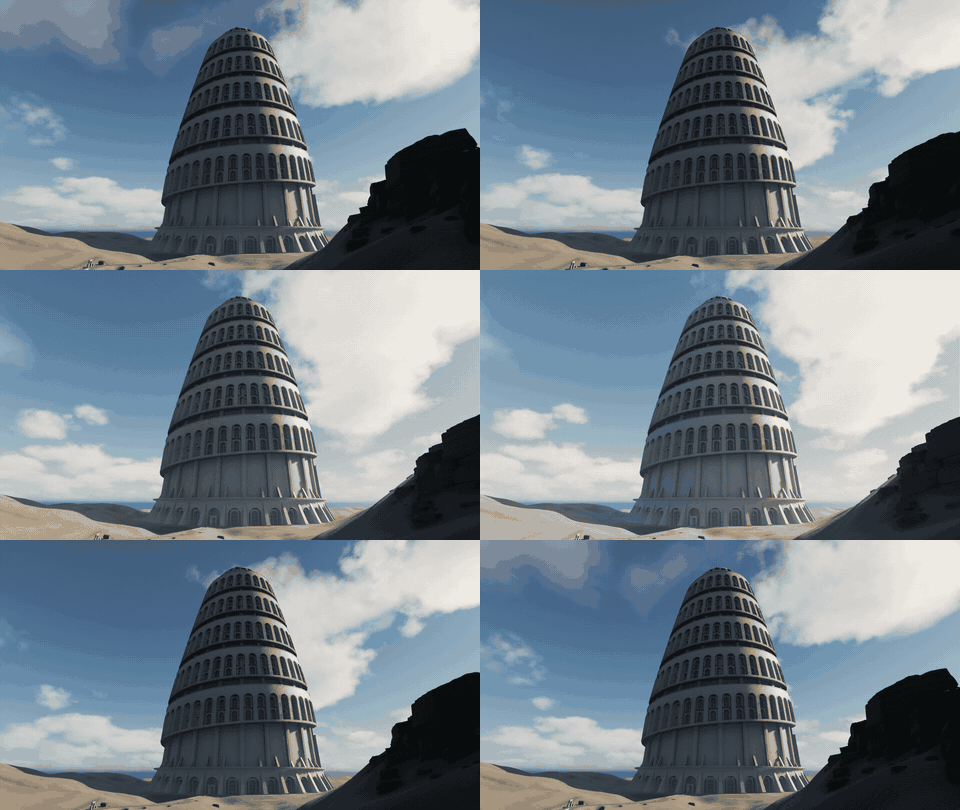
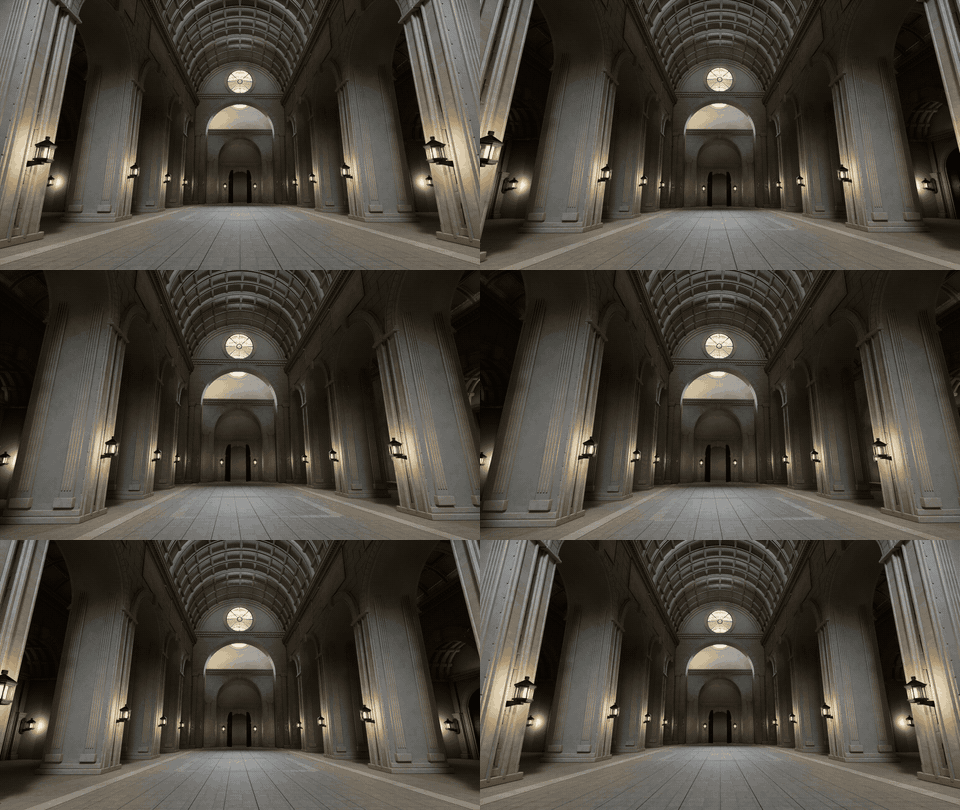
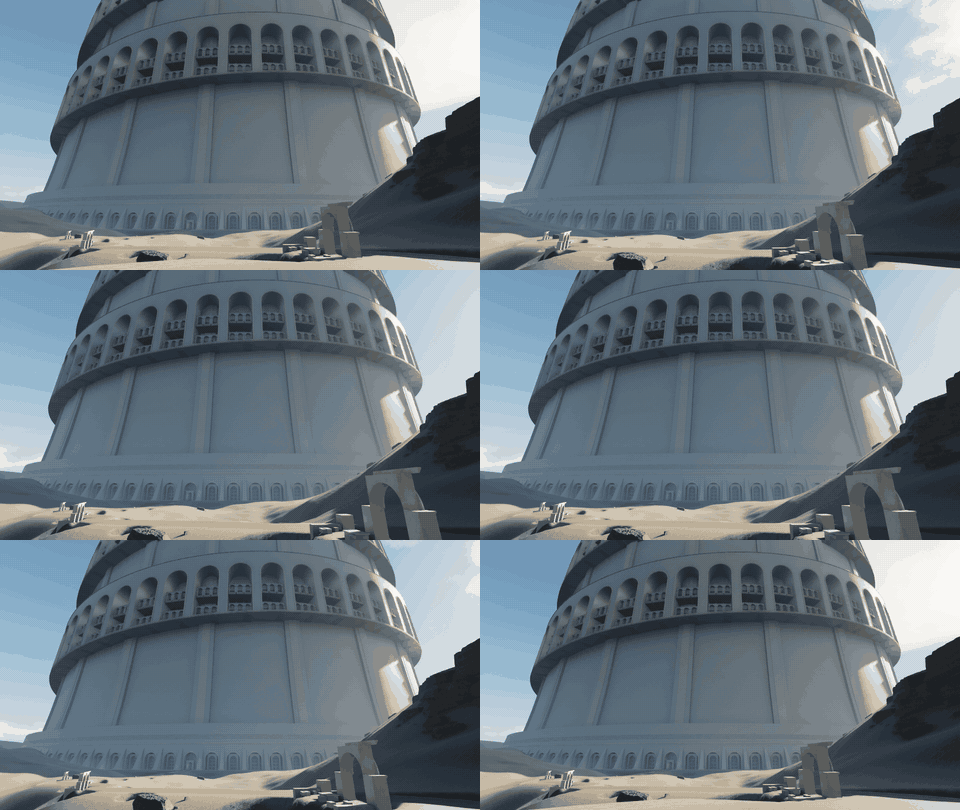
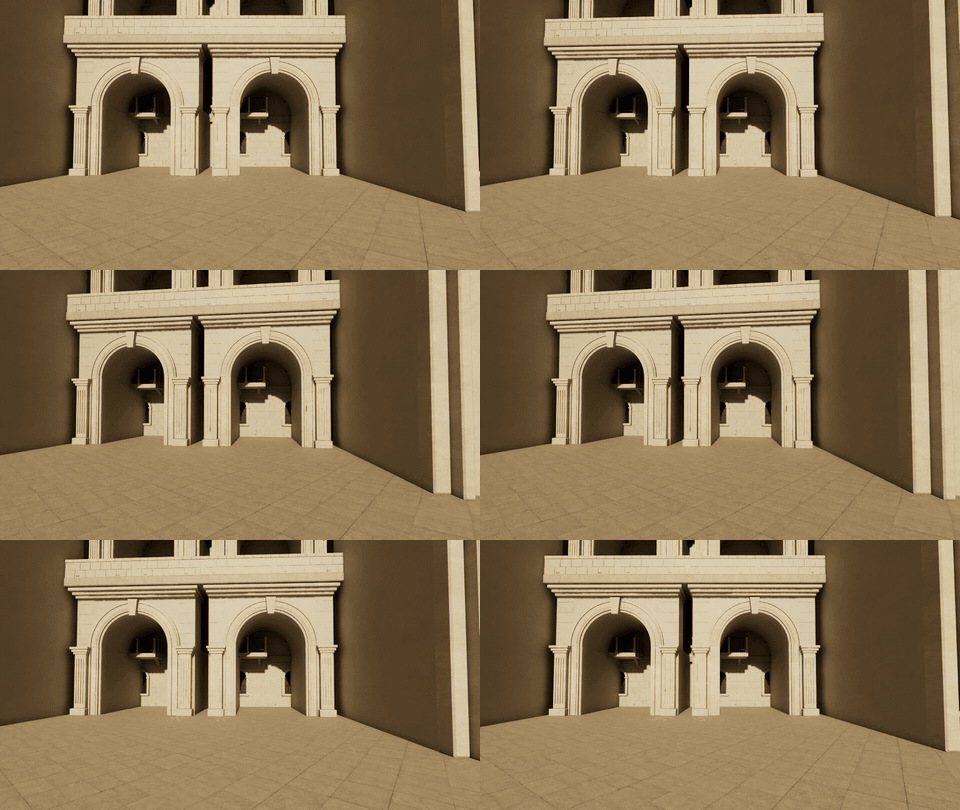
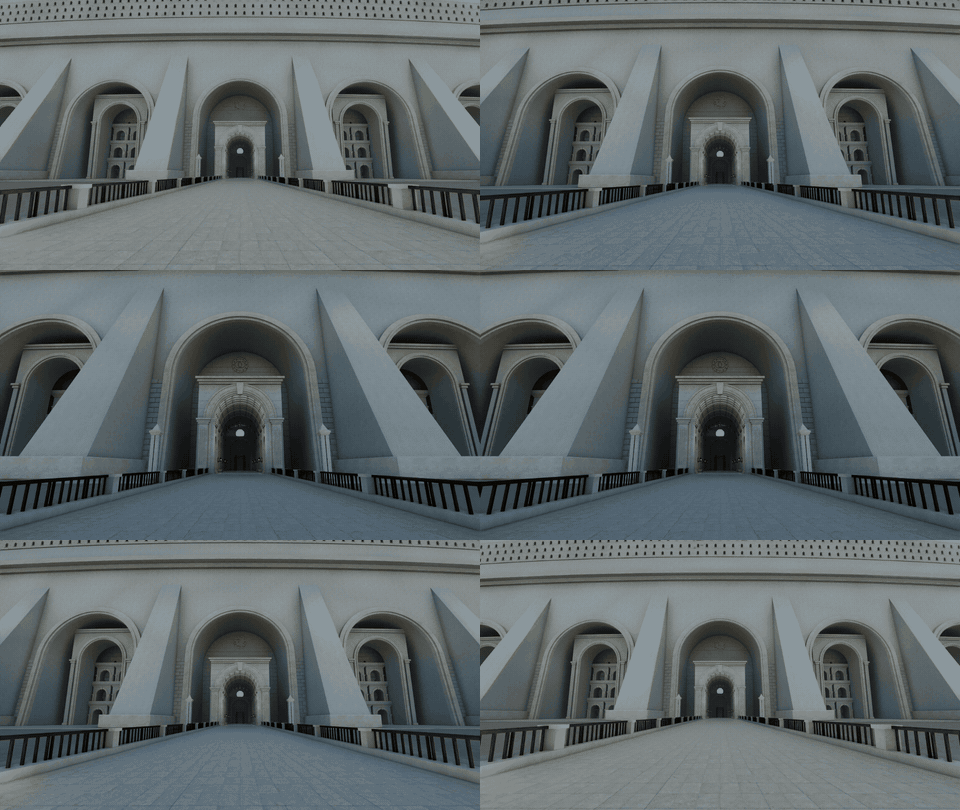
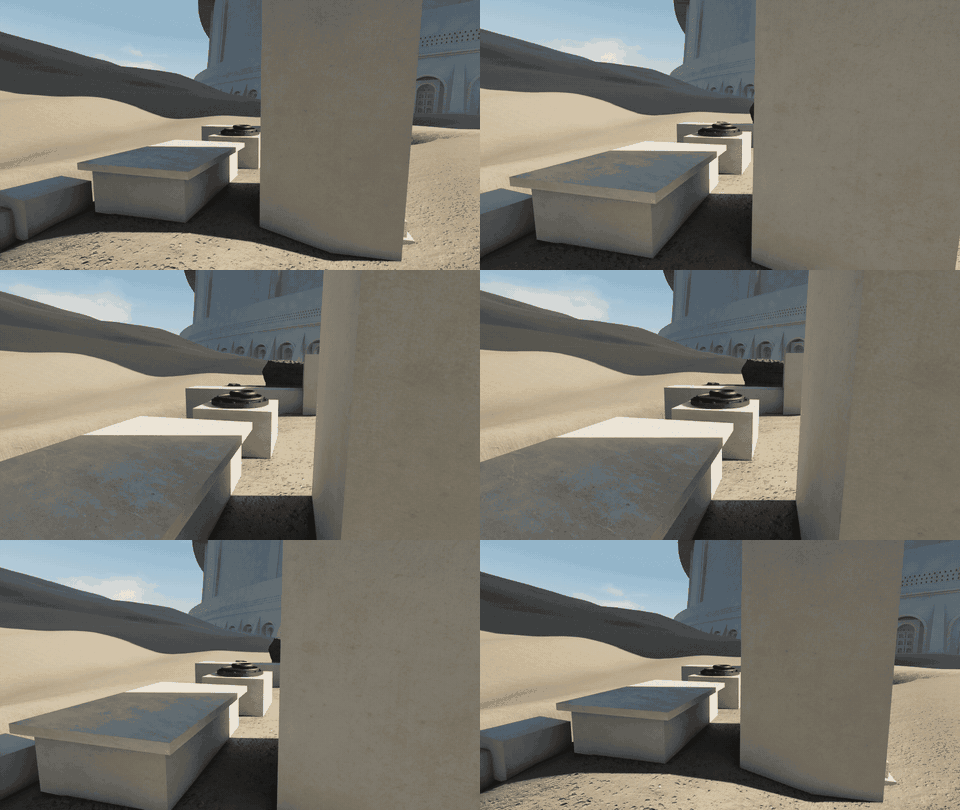
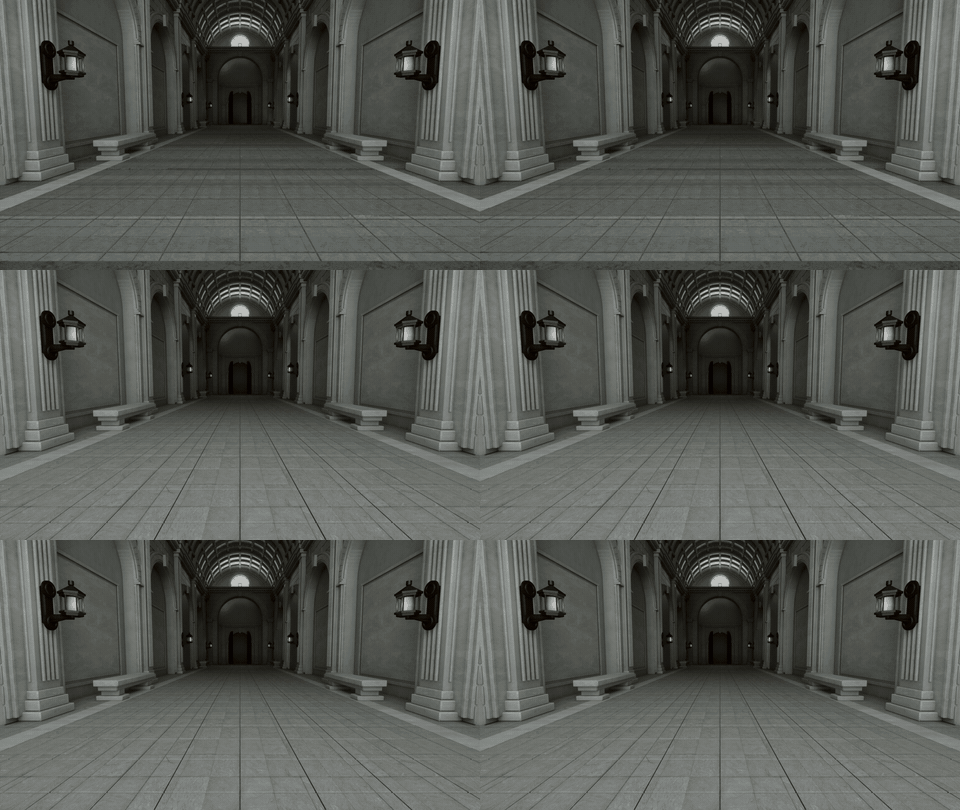
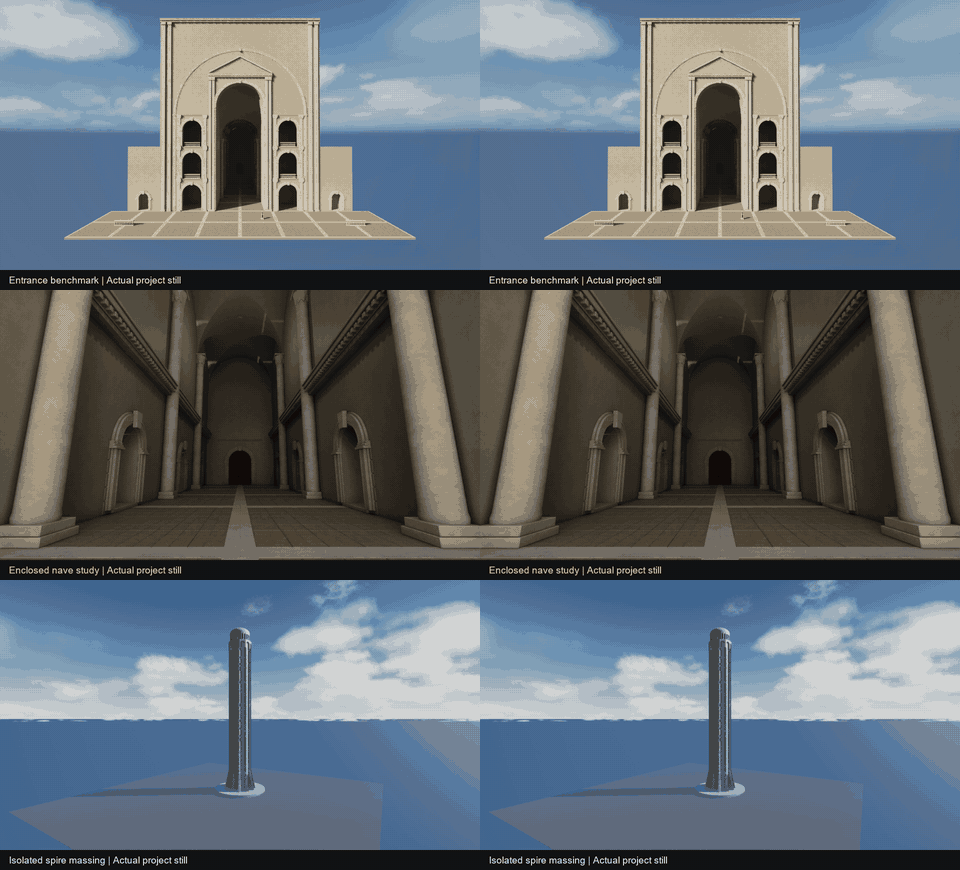
Start with procedural stone modules
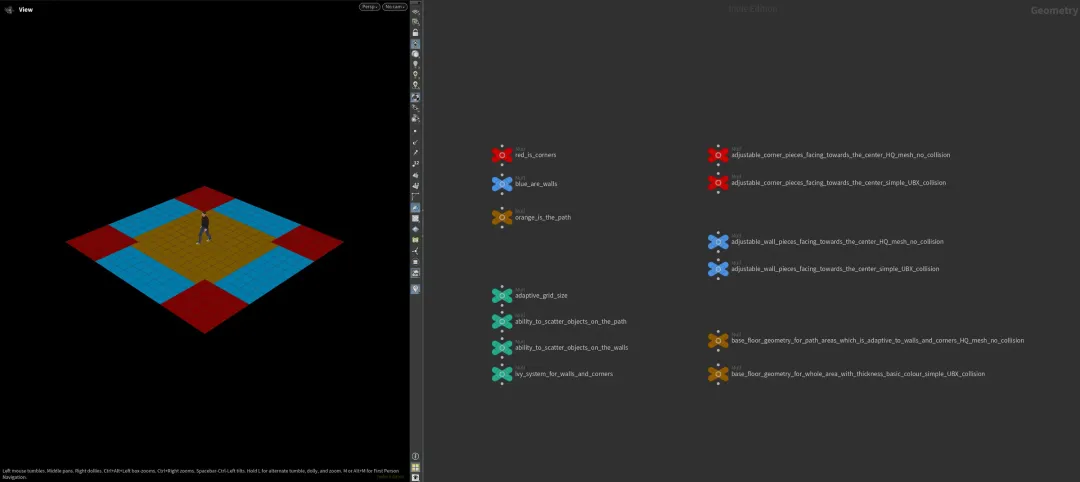
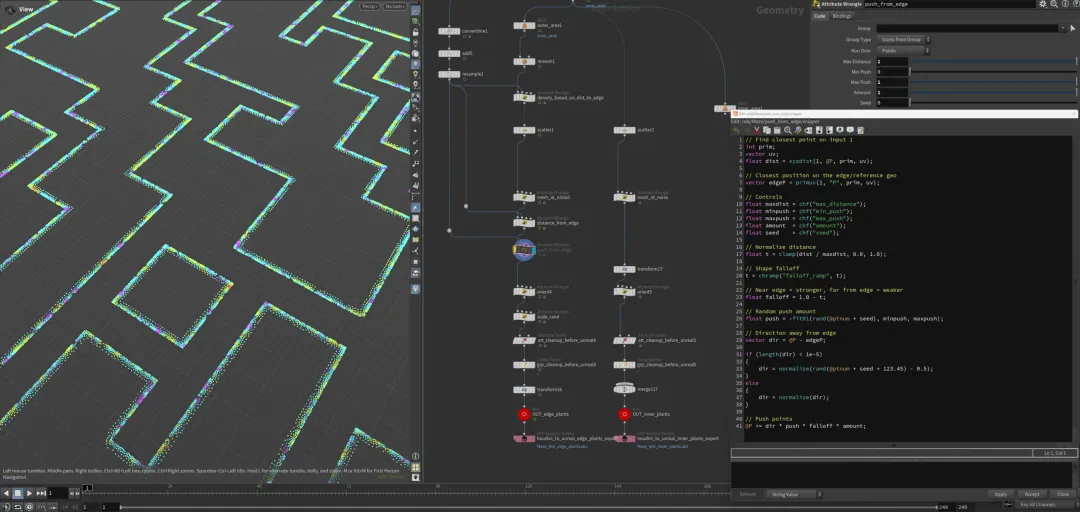
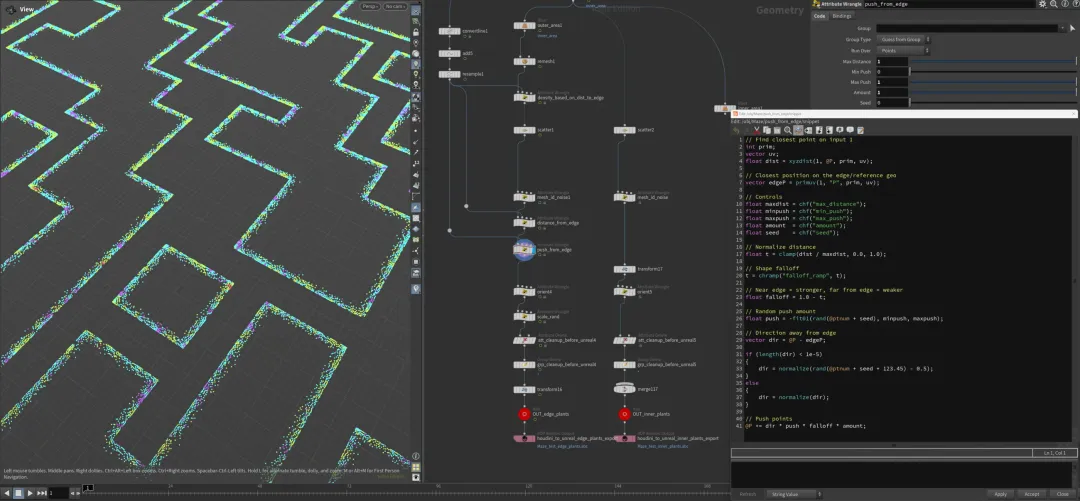
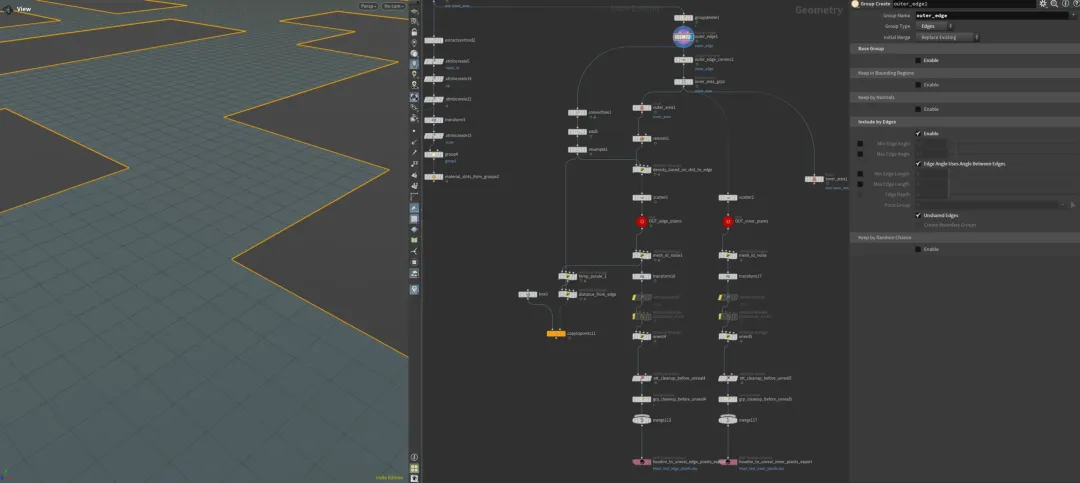
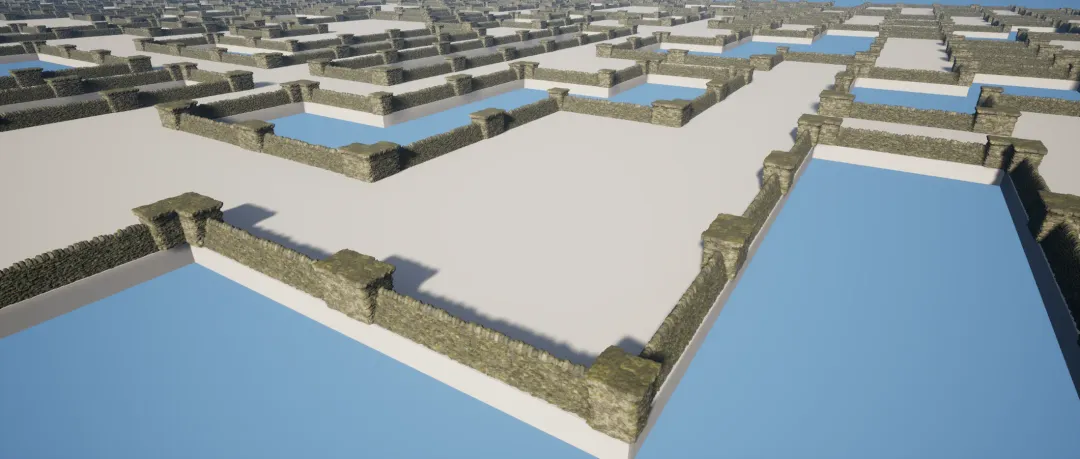
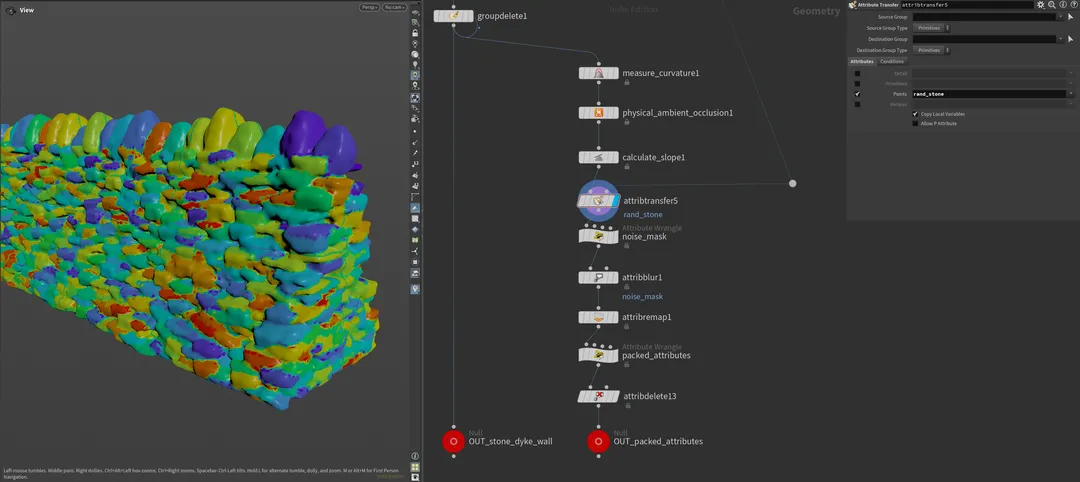
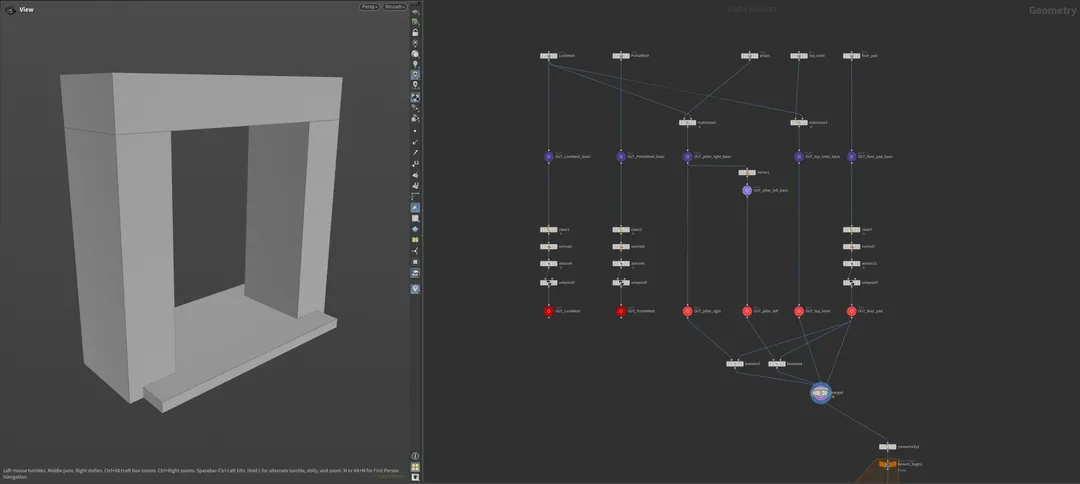
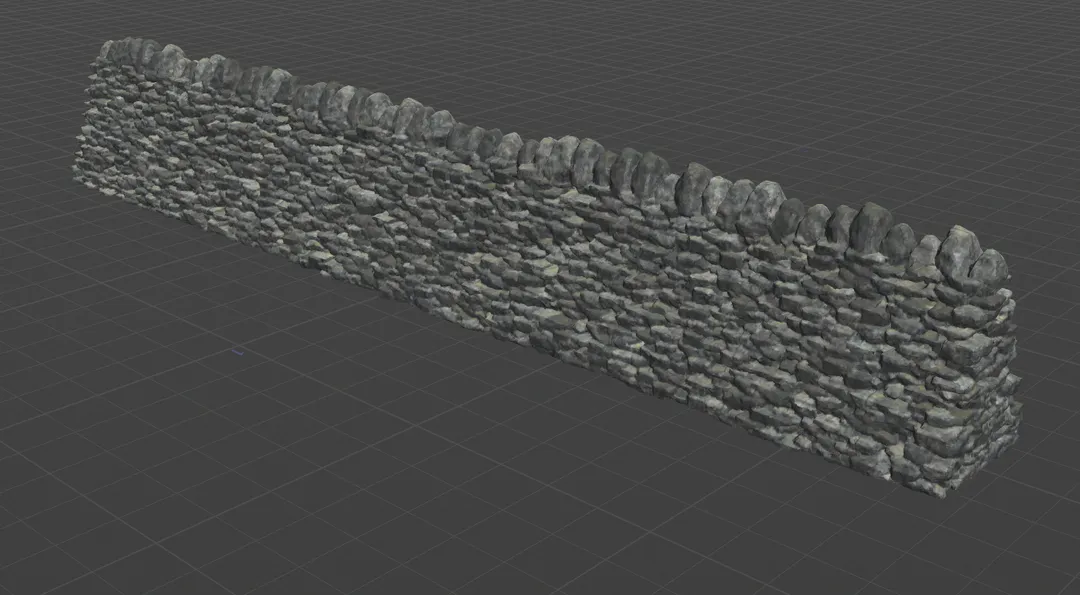
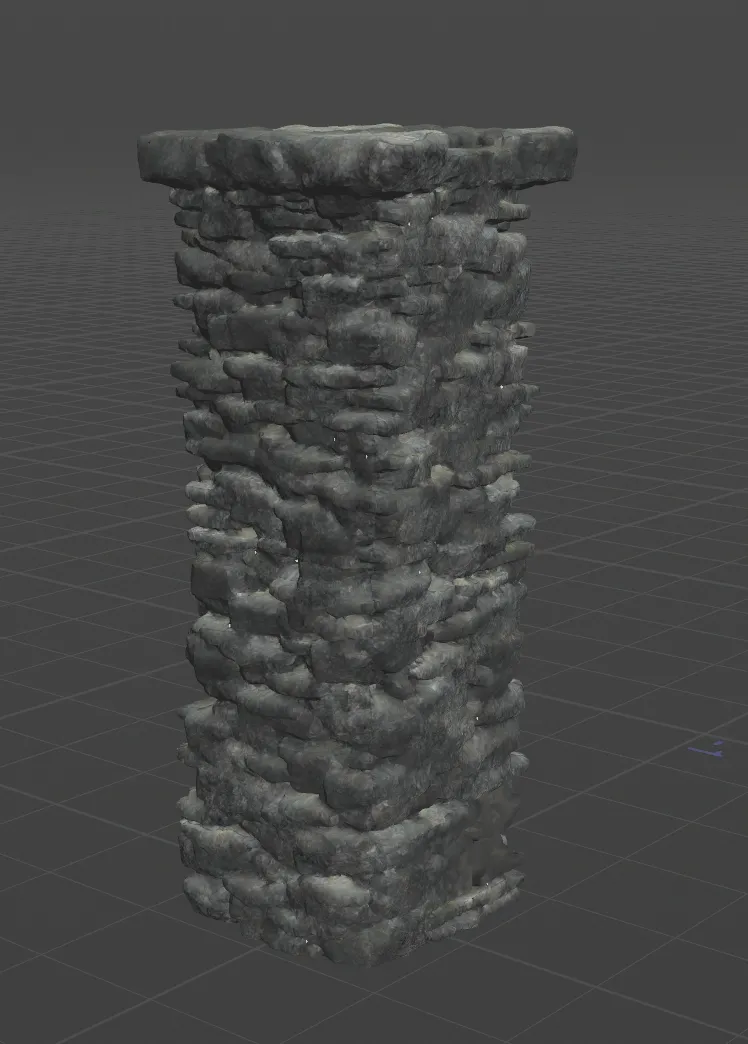
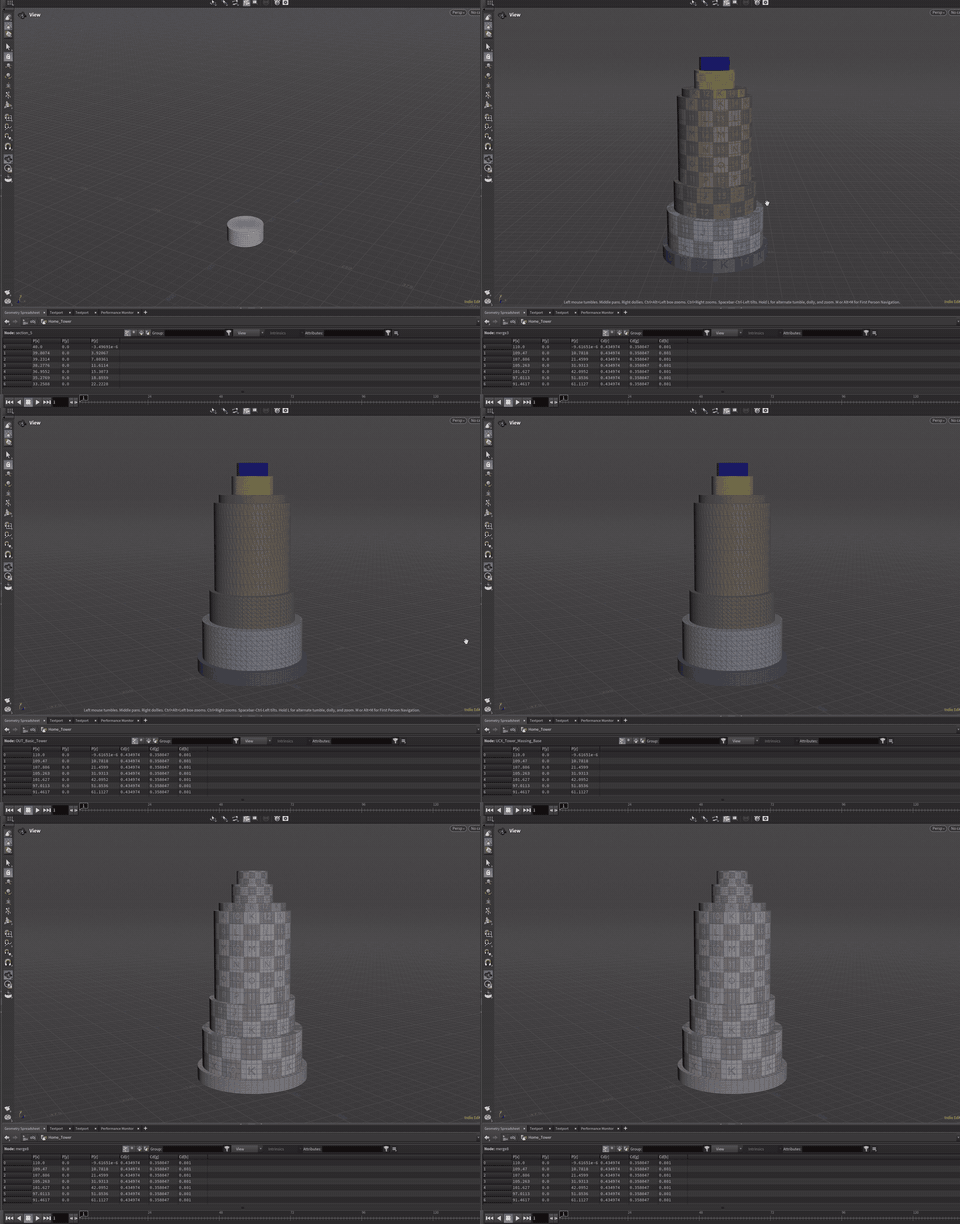
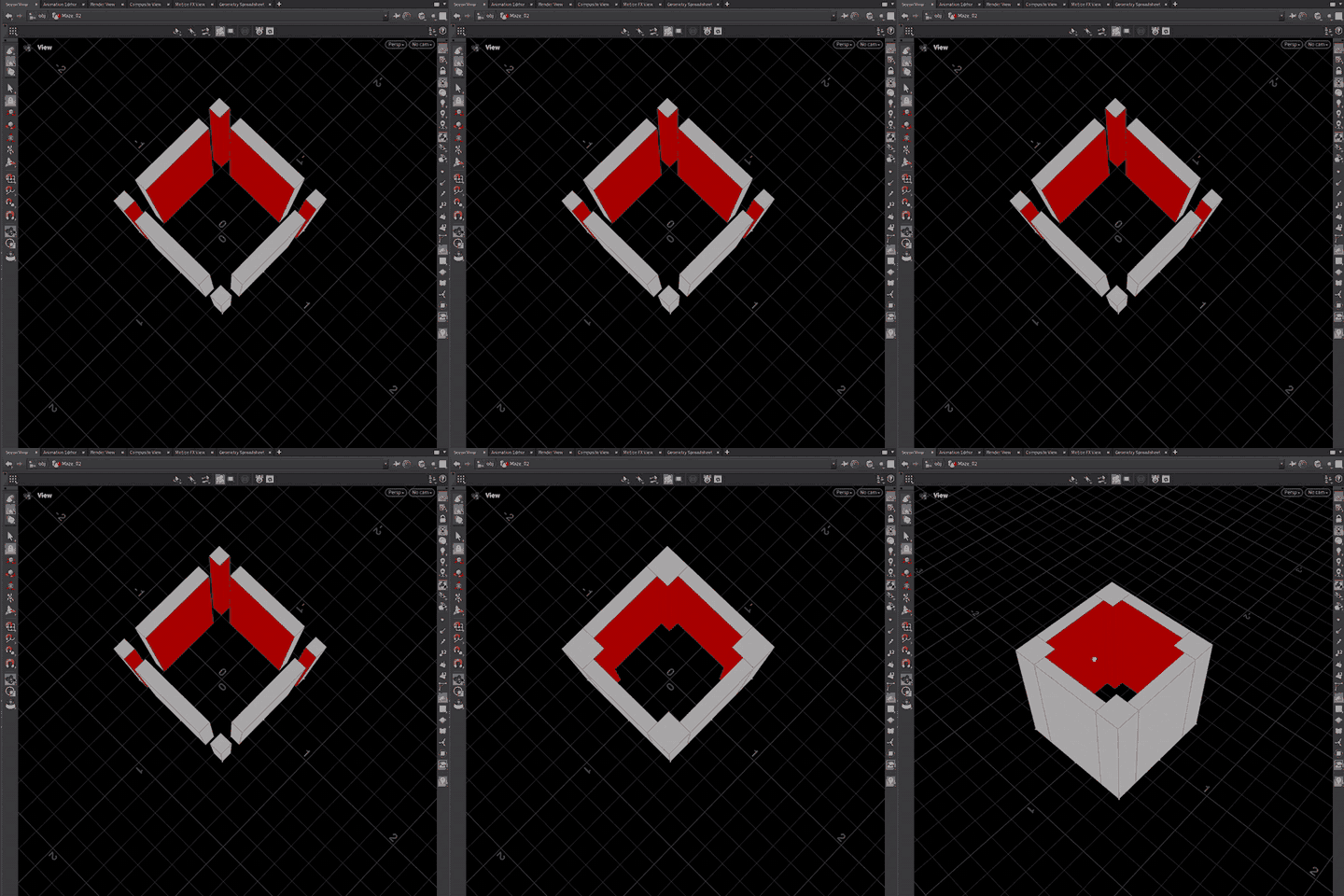
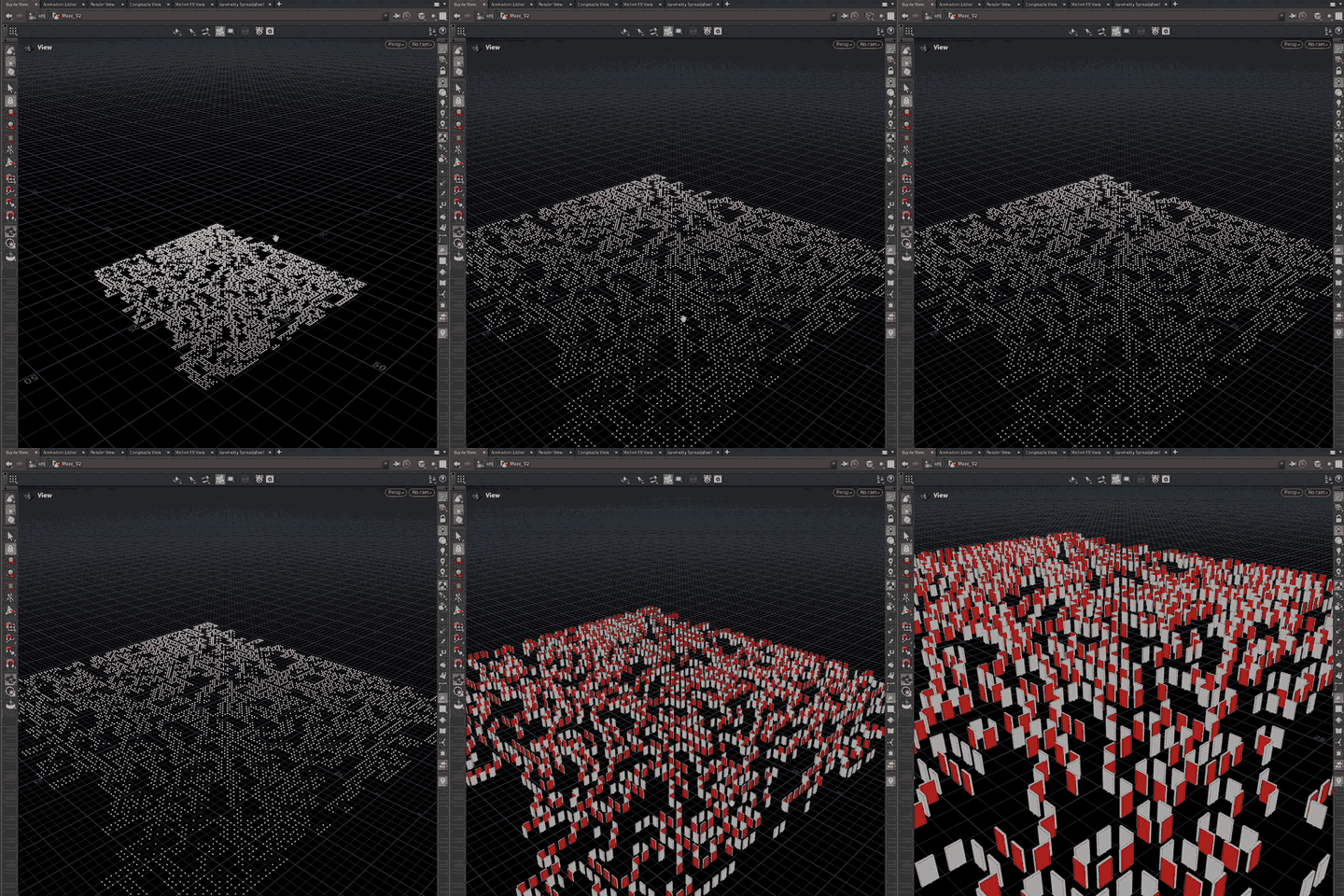
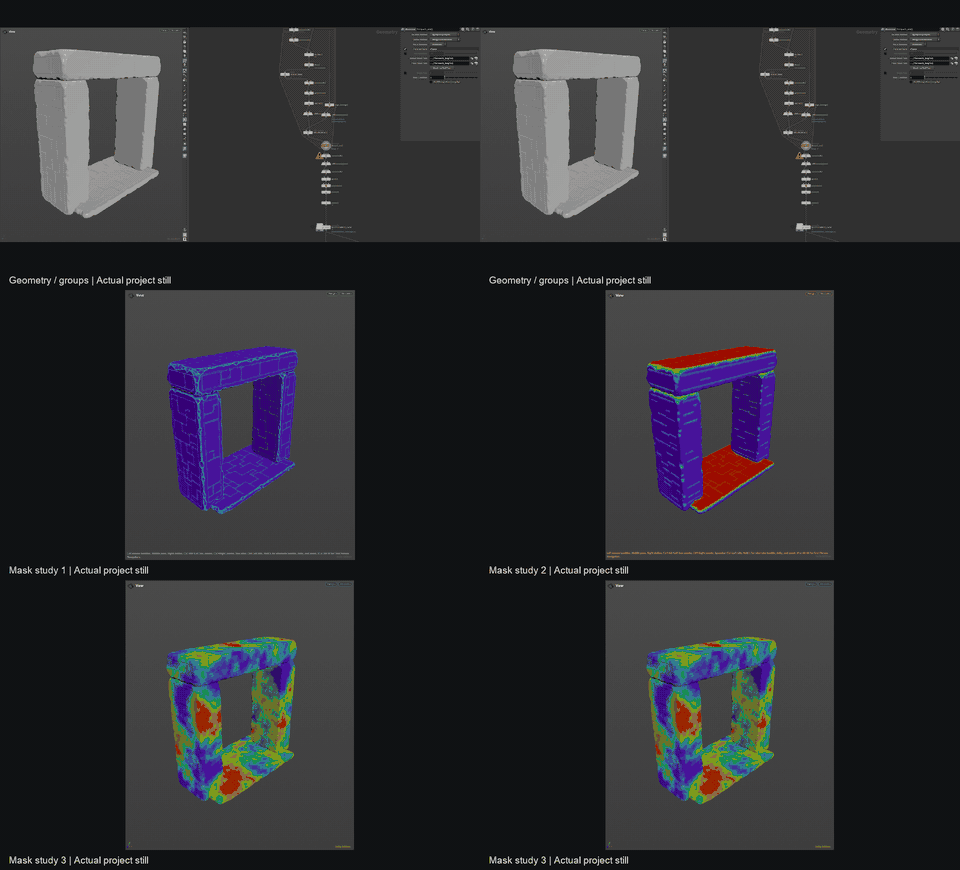
The dry-stone maze pieces begin as Houdini graphs, with wall structure, stone separation, and repeatable asset logic visible before anything is polished.
AMazeIn Development Archive
AMazeIn is a work-in-progress Unreal project. This site follows the actual build: C++ gameplay systems, Houdini asset experiments, Unreal material setup, hub progression, and the screenshots that prove how each piece is being made.

Current Workflow
Each step below keeps the image visible first, then explains what the screenshot means in the production chain. The goal is clarity: visitors should understand what changed, why it matters, and where it goes next.

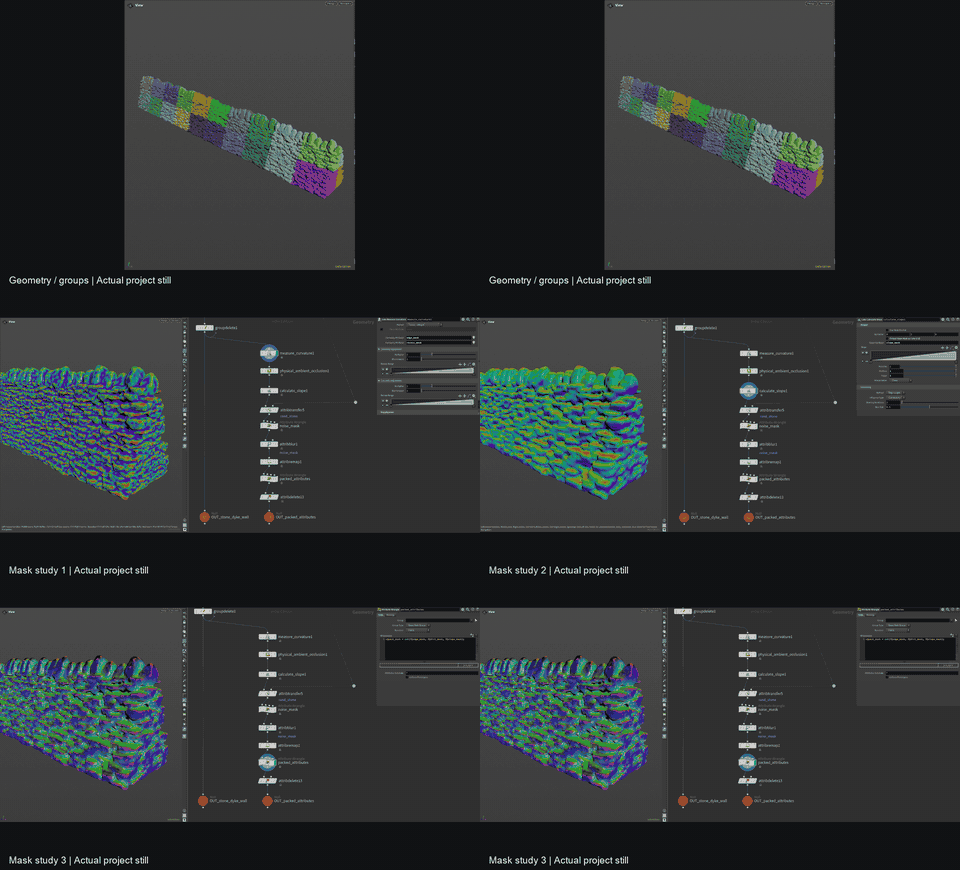
The dry-stone maze pieces begin as Houdini graphs, with wall structure, stone separation, and repeatable asset logic visible before anything is polished.

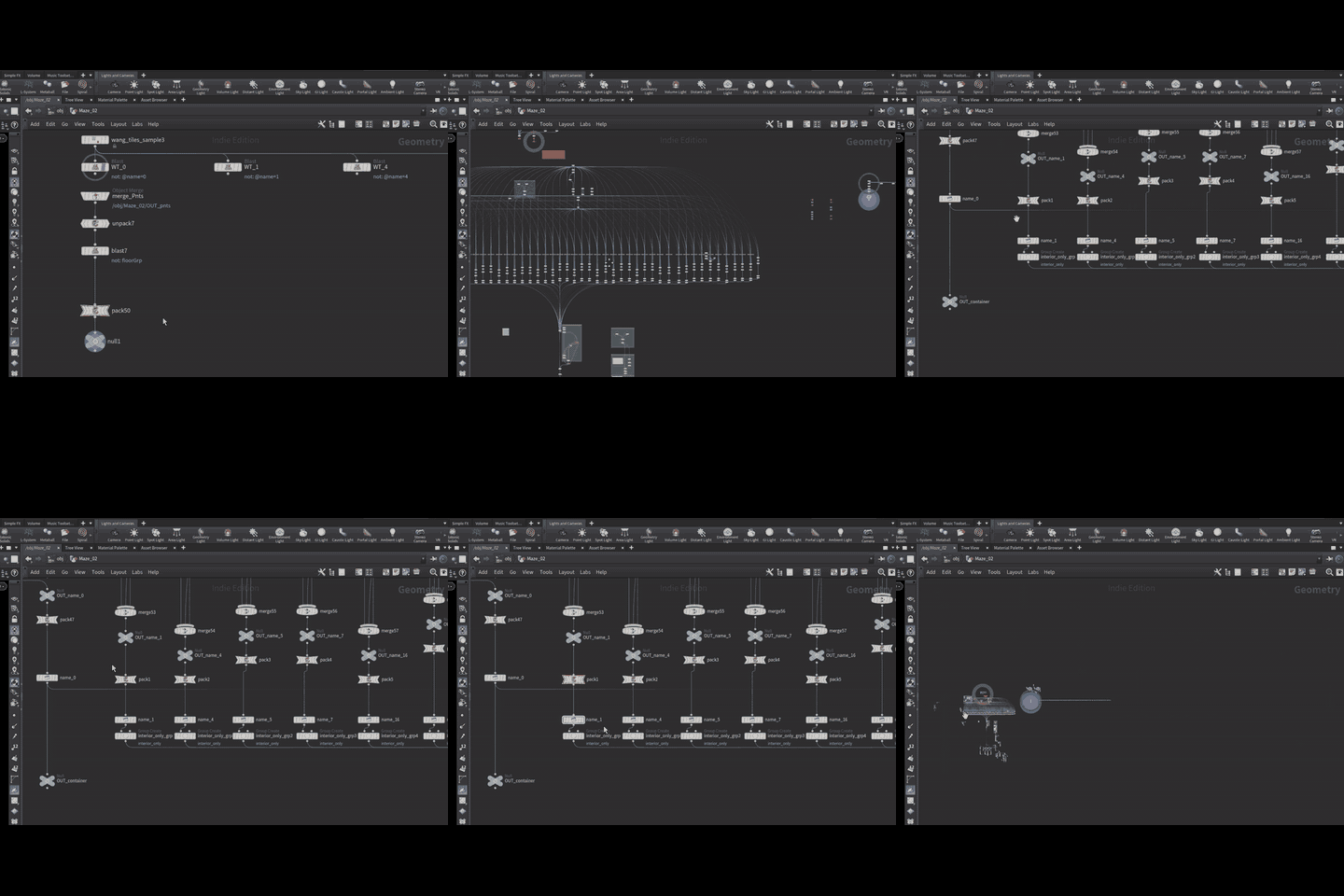
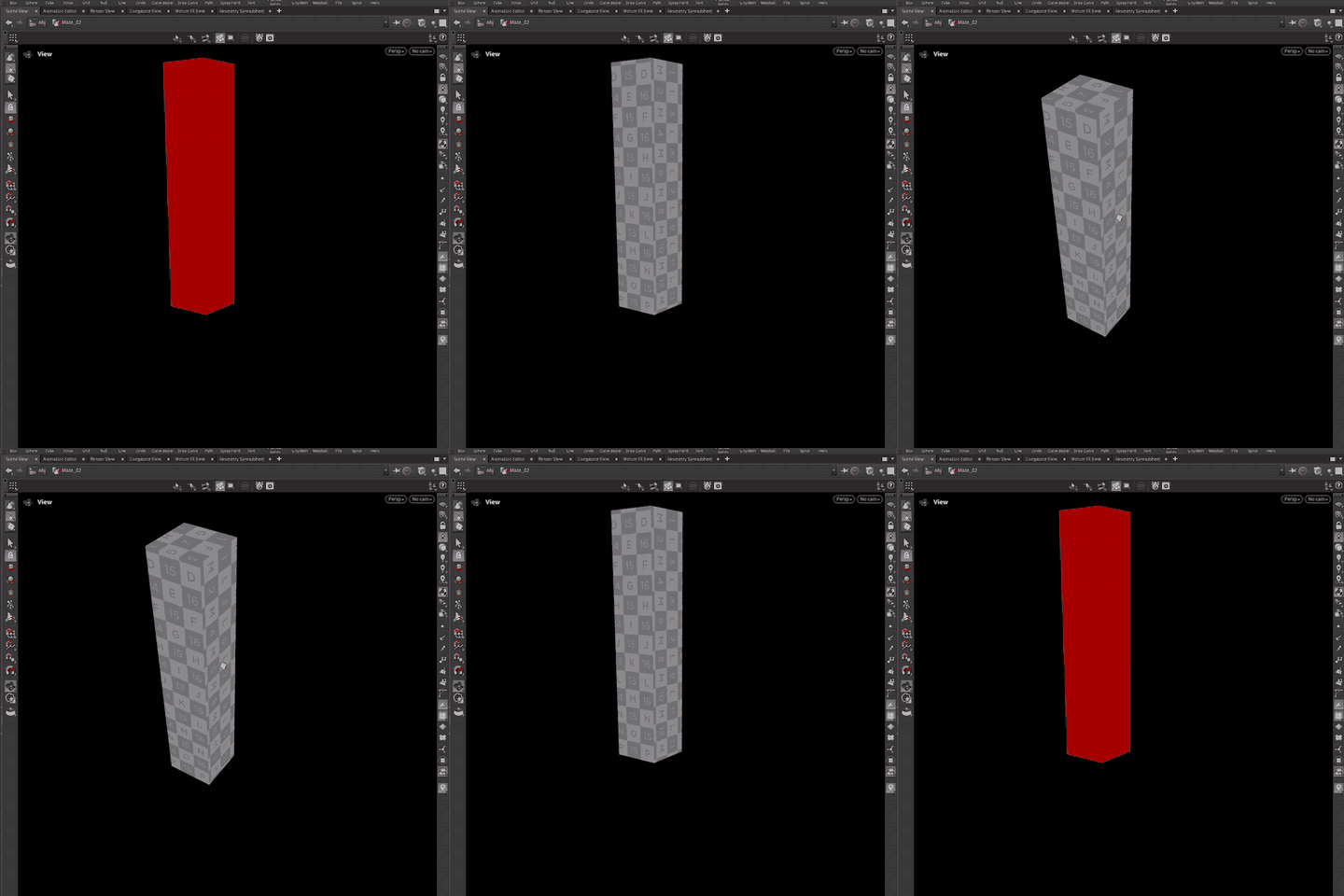
The wall is broken into sections, passed through for-each UV layout steps, and checked as a production asset rather than a flat screenshot.

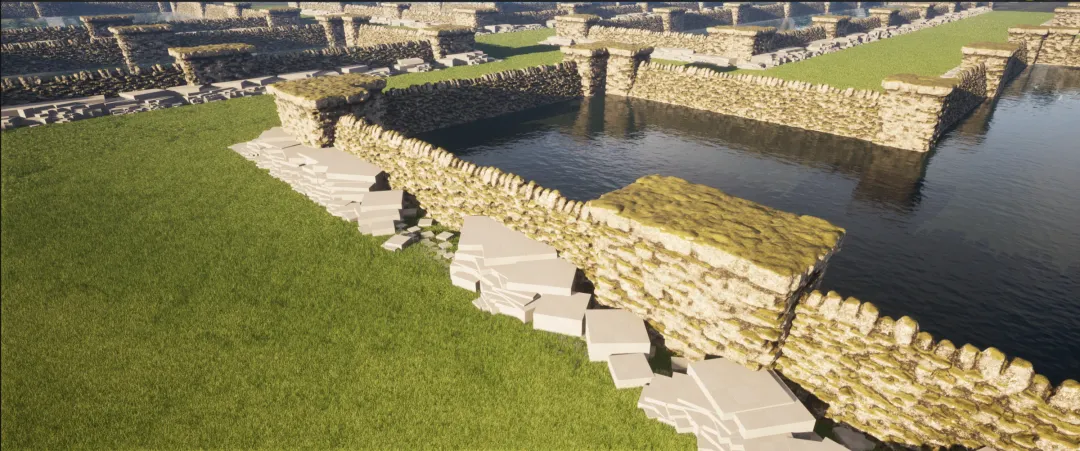
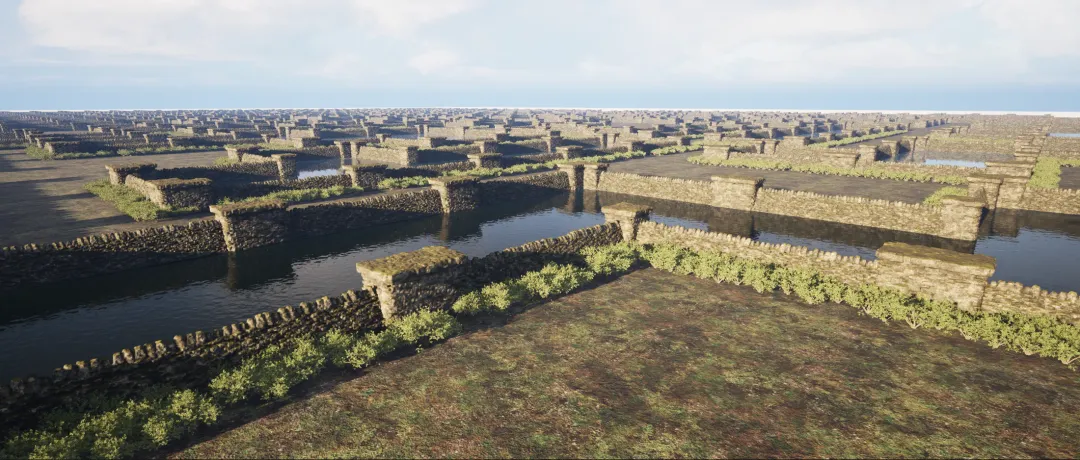
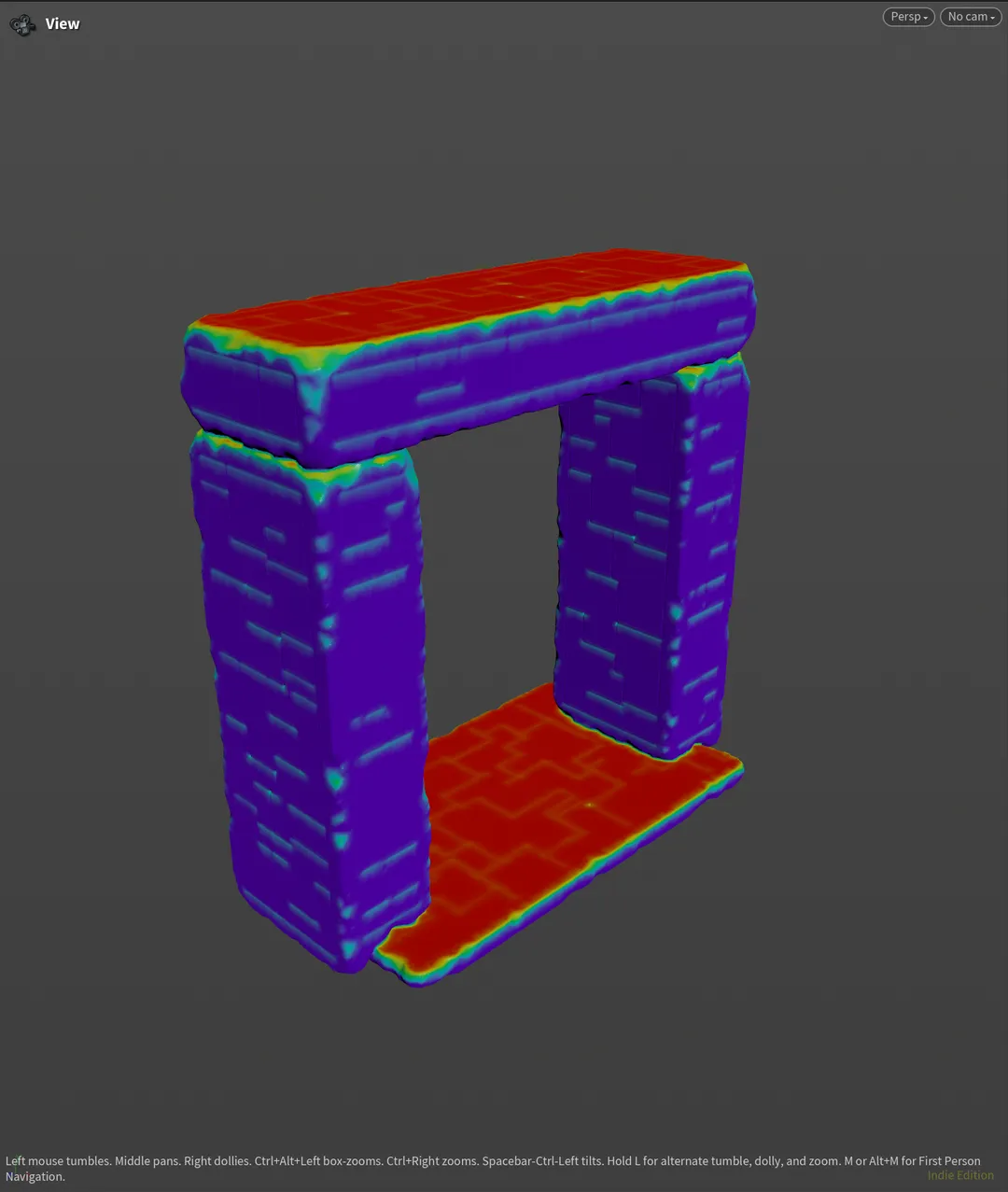
Connectivity, slope, curvature, ambient occlusion, and transferred attributes become masks for moss, snow, dirt, and stone variation.

COPs outputs collect the useful mask information into texture data that can be inspected and reused in the Unreal material pipeline.

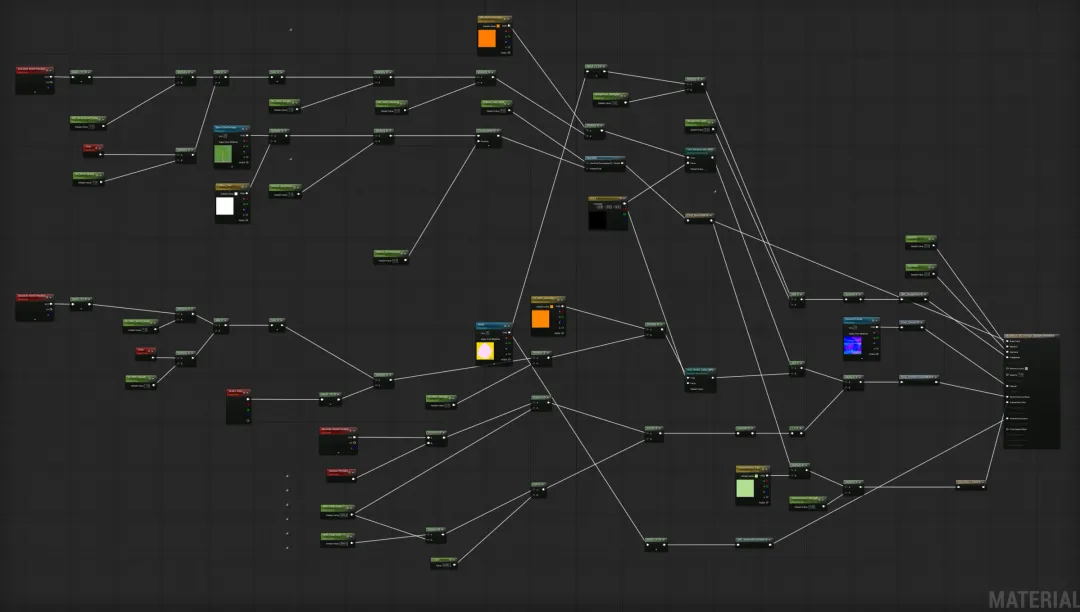
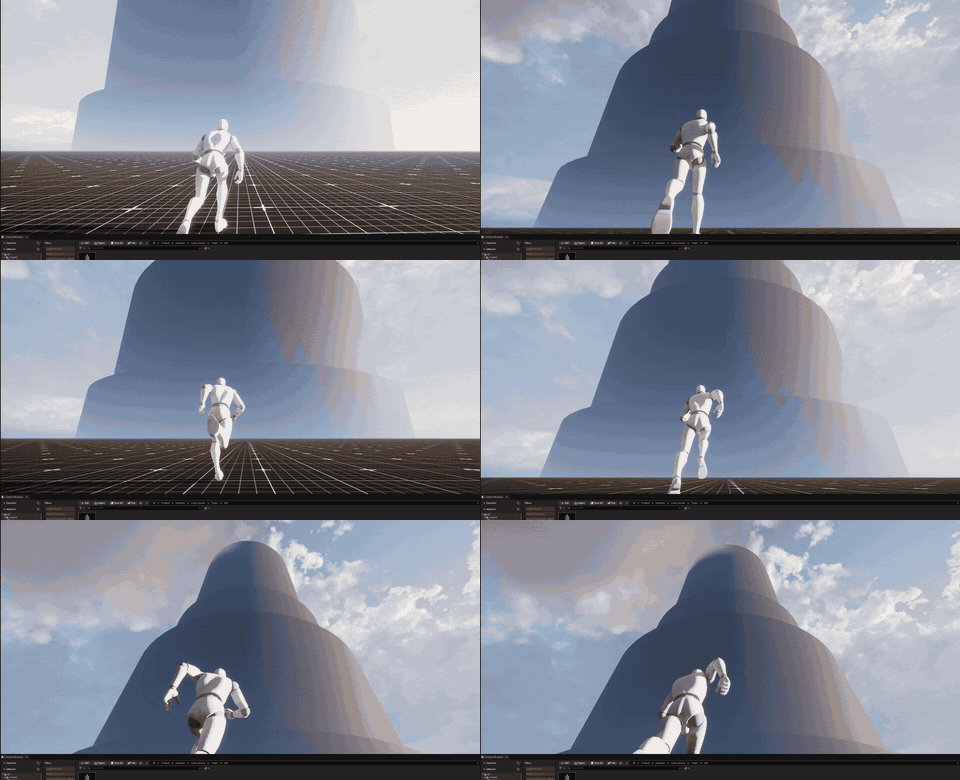
The Unreal master material is prepared to read shared texture maps and packed masks so repeated maze pieces can stay consistent but varied.

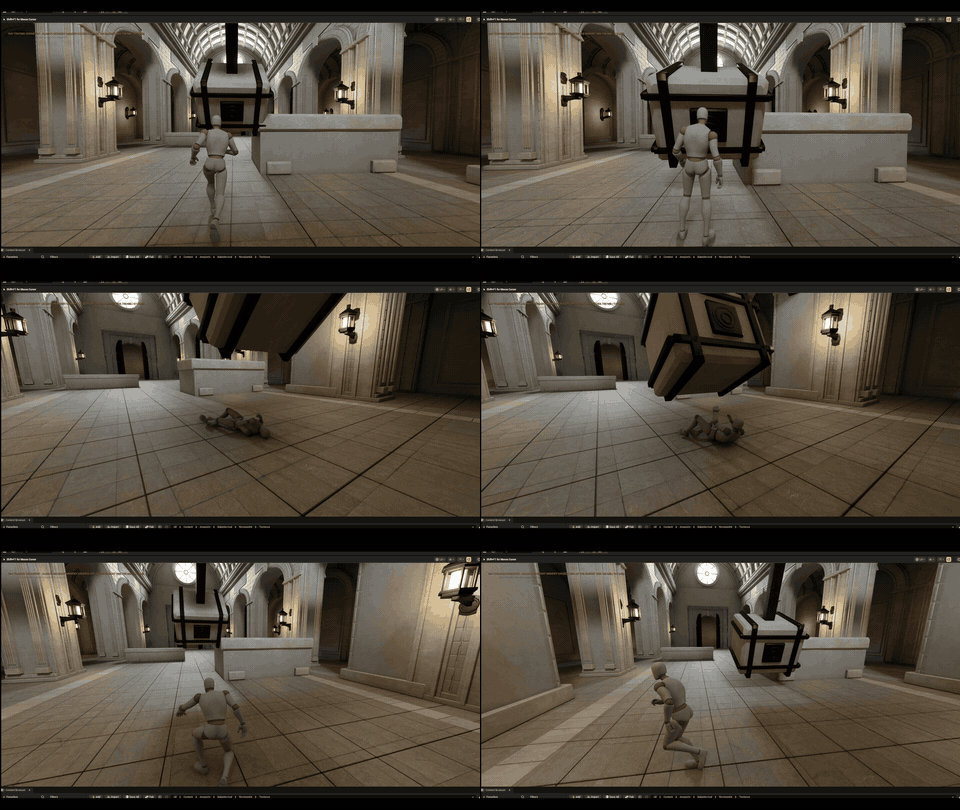
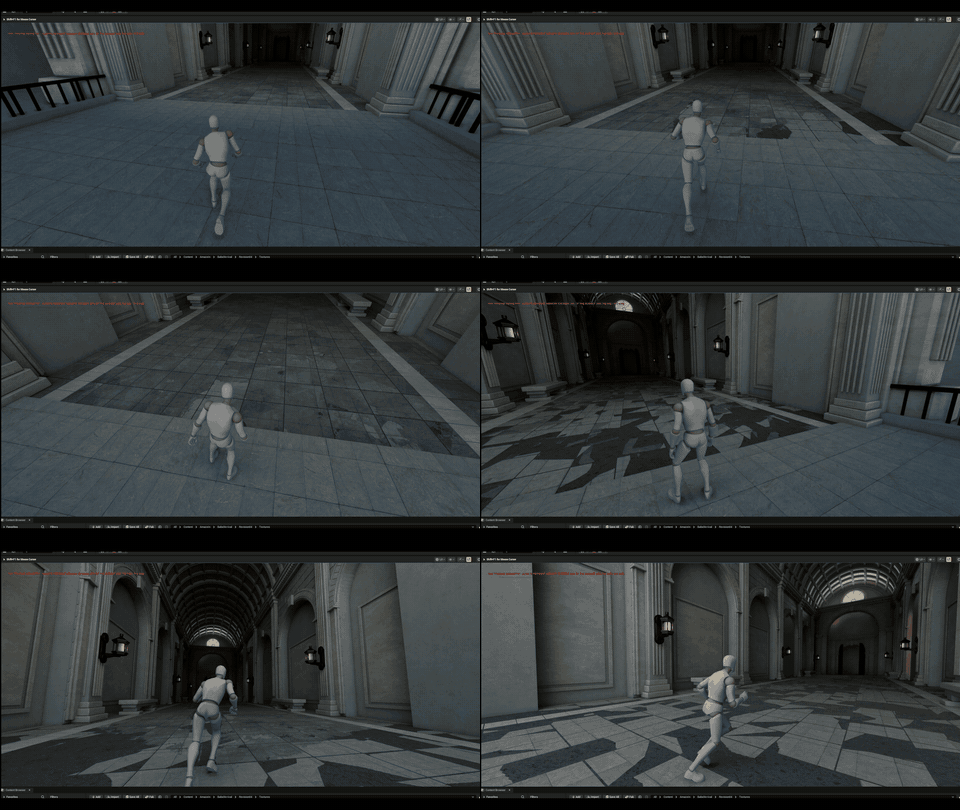
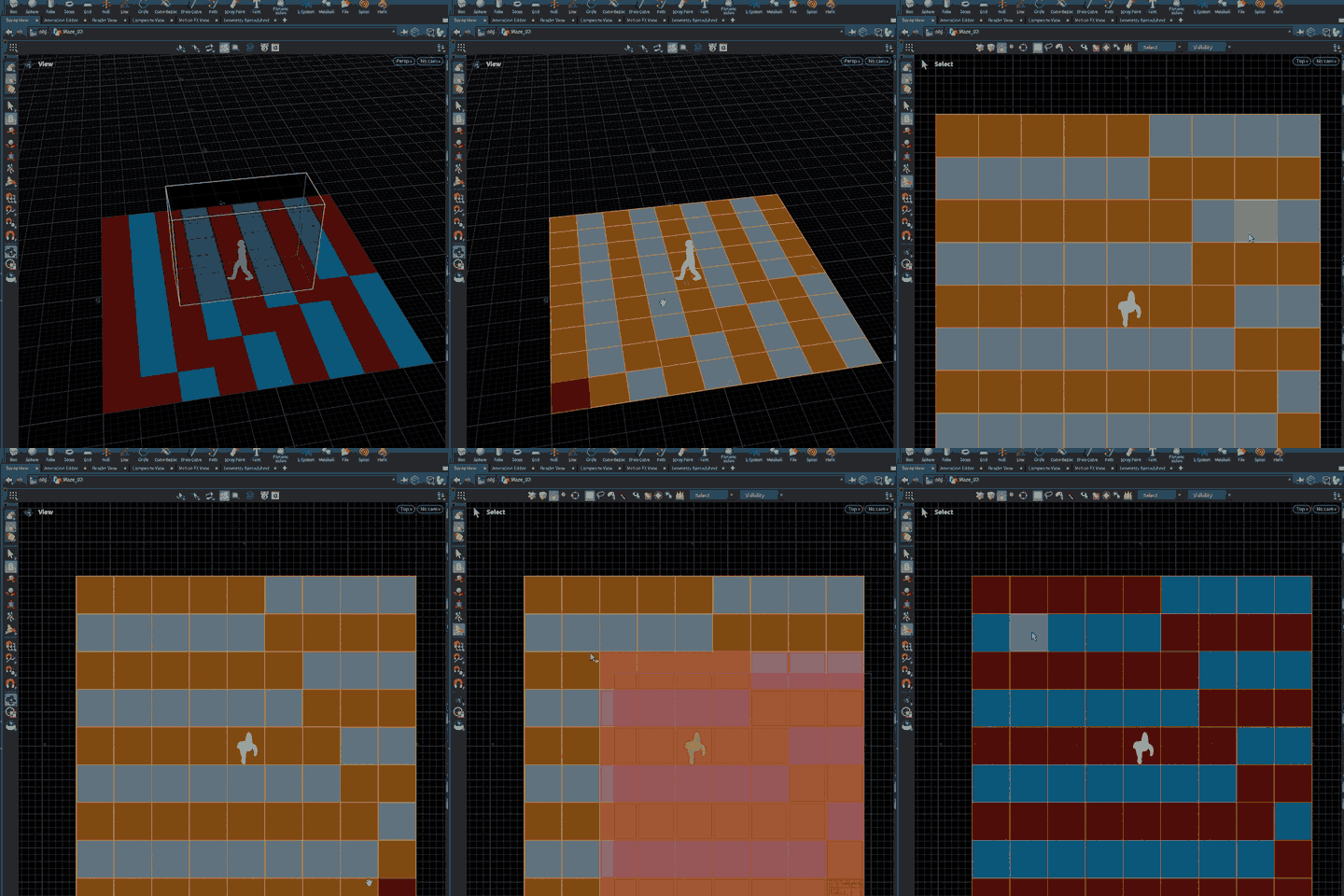
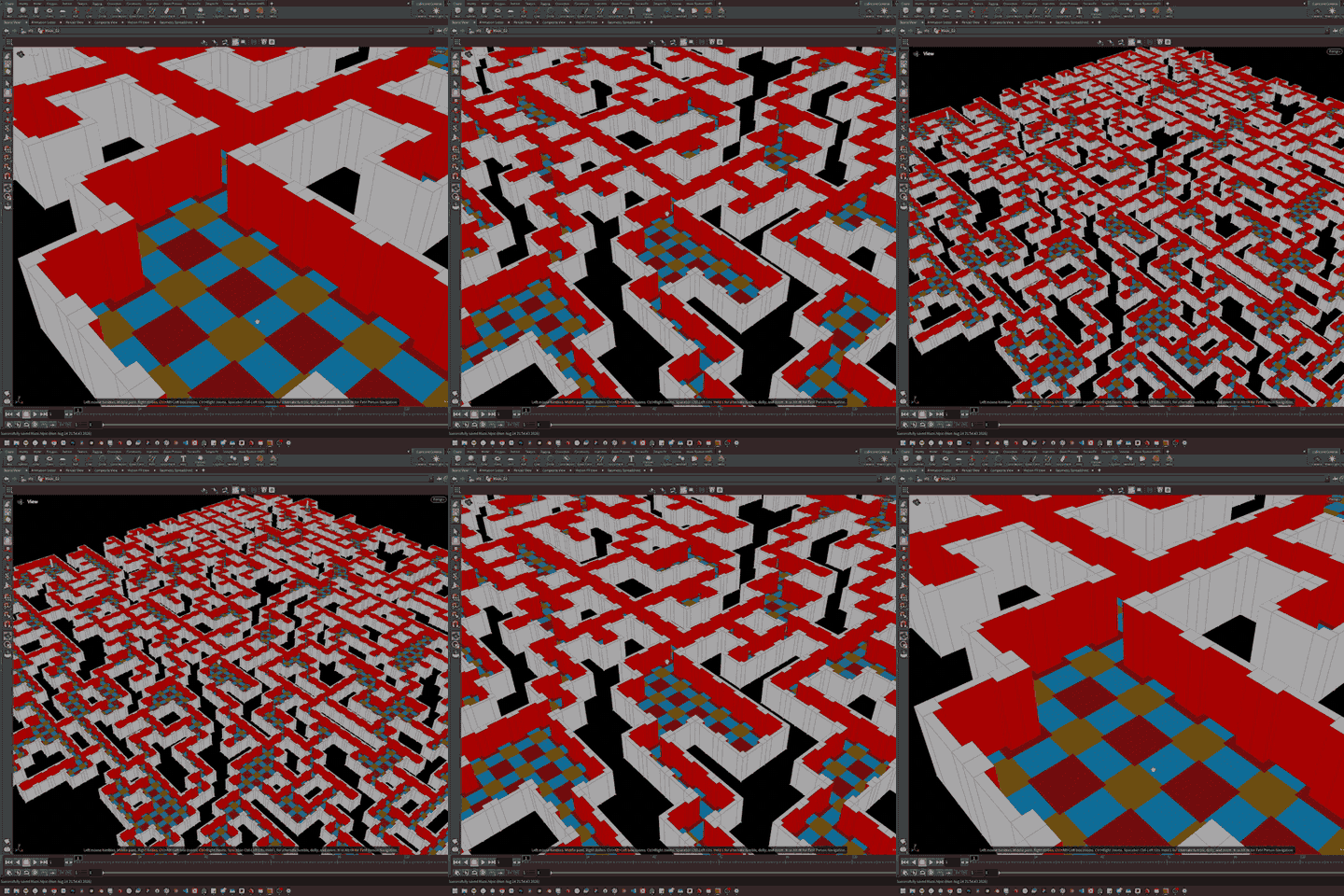
The HubDoor and maze material work support the larger target loop: hub doors, level travel, finish triggers, return to hub, and progression.
Latest Update
The latest Houdini pass splits wall meshes into workable pieces, uses for-each UV layout passes, and starts turning attributes into masks for moss, snow, dirt, and stone variation.
The public site starts from a strict media rule: only real AMazeIn WIP, editor output, Houdini output, screenshots, code diagrams, and authored notes.
The repeated maze pieces are moving toward shared tiling materials, Houdini masks, edge wear, dirt, moss, and cheap variation.
The first target loop is Hub -> Level 1 -> Finish -> Hub -> Level 2 unlocked, driven by data assets and save-state checks.
A Windows cook reached the asset statistics stage but ended with an unknown cook failure, making build diagnosis part of the next production pass.
Systems
Each ranked map is represented by a data asset with MapId, DisplayName, CampaignOrder, RankedSeed, MapVersion, level reference, and progression metadata.
The run subsystem manages normal, hardcore, and practice starts, level transitions, elapsed time, deaths, validation tags, splits, and run completion.
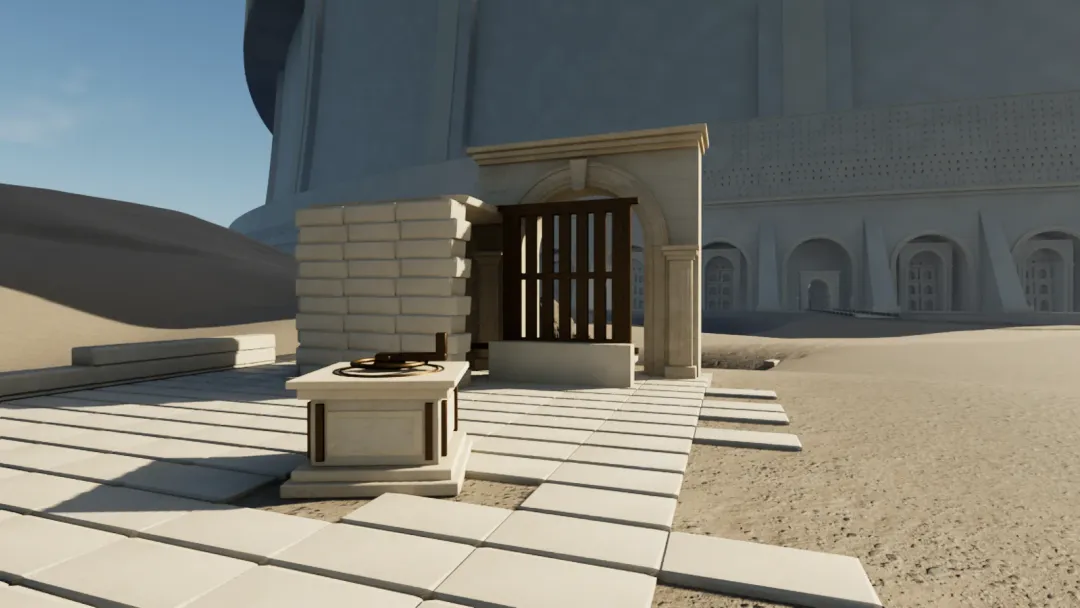
A reusable C++ door actor calculates locked, unlocked, and completed states, then leaves visual treatment to Blueprint presentation.
Local progress, local bests, and pending leaderboard submissions are tracked before the online path is hardened.
Houdini outputs are being shaped into modular wall pieces, packed masks, shared tiling textures, and Unreal texture maps.